
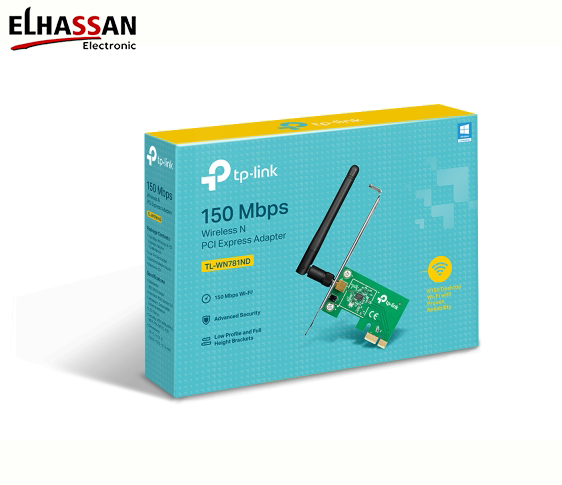
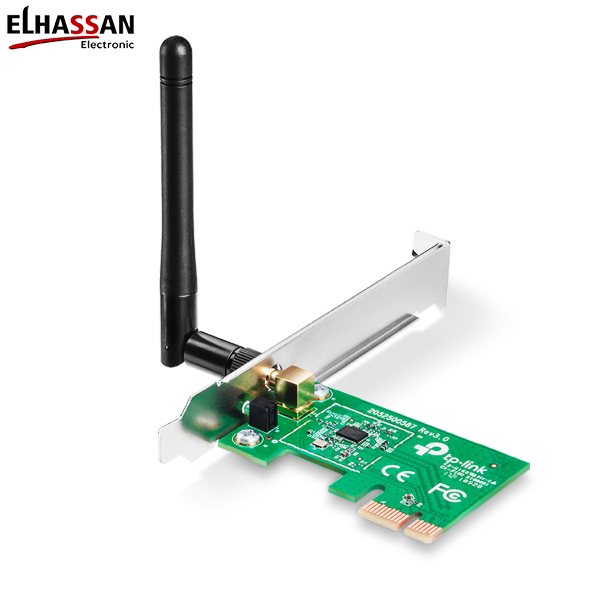
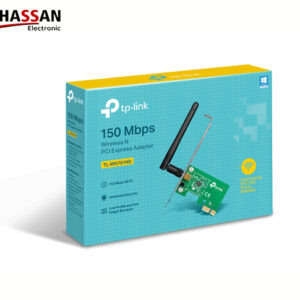
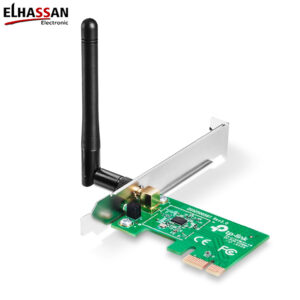
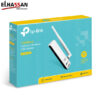
TP-Link TL-WN781ND N150 Wireless PCI Express Adapter
EGP500.00
Brand: Wishlist
Please, enable Wishlist.
Wishlist
Please, enable Wishlist.
TP-Link TL-WN781ND 150Mbps Wireless N PCI Express Adapter
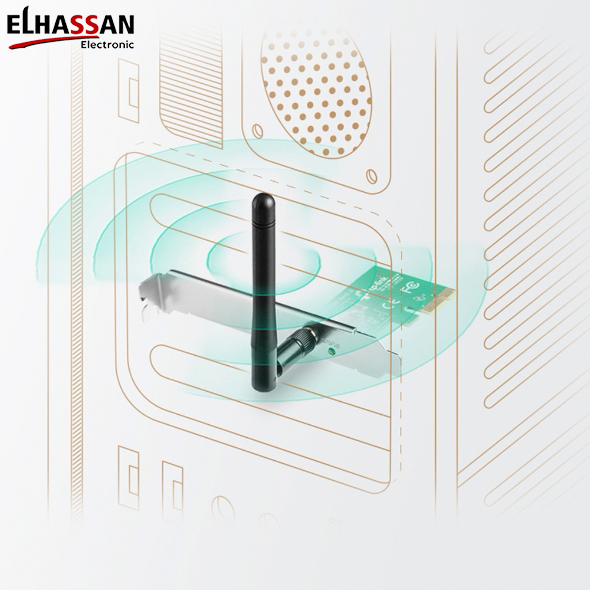
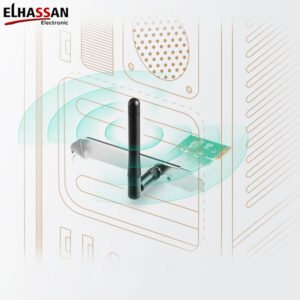
The TP-Link TL-WN781ND provides a reliable wireless connection for your desktop computer. Moreover, it utilizes the high-speed PCI Express interface to deliver better stability than standard USB adapters. This wireless card is an excellent choice for everyday internet browsing, file downloads, and video streaming.
■ Stable Wireless N Speed & High Compatibility
- 150Mbps Signal Rate: Supports wireless transmission speeds up to 150Mbps. Consequently, it easily handles standard network traffic, casual online gaming, and internet calls.
- PCI Express Interface: Designed to fit into any standard PCIe slot inside your PC. Therefore, it provides increased bandwidth and exceptional reliability compared to legacy PCI slots.
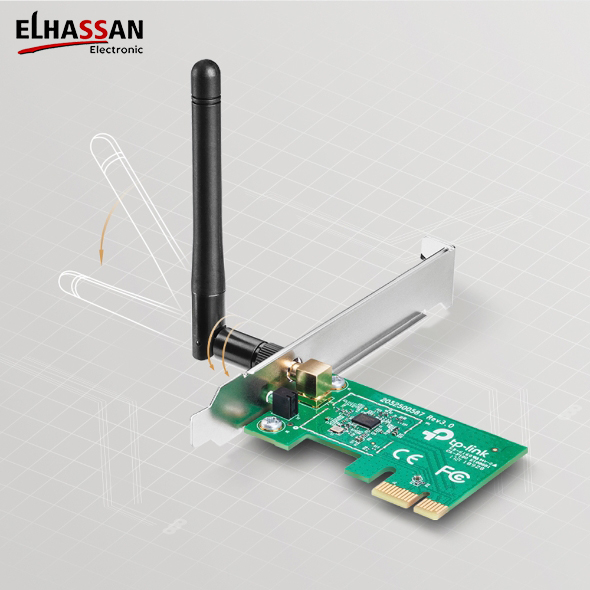
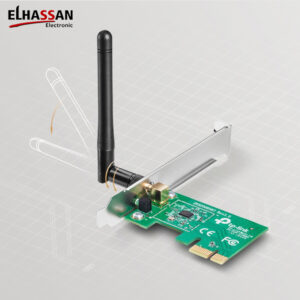
- Detachable Antenna: Features a 2dBi detachable omnidirectional antenna (RP-SMA). Specifically, this allows you to adjust the angle for better signal reception or upgrade to a stronger antenna if needed.
■ Advanced Network Security & Easy Management
- Secure Encryption: Supports advanced 64/128-bit WEP, WPA-PSK, and WPA2-PSK security standards. Additionally, these encryptions safeguard your wireless network against external intrusions.
- Bundled Setup Utility: The package includes a helpful configuration software program. Furthermore, this utility enables hassle-free management and quick installation even for beginners.
- Discreet Hardware Form: Measuring just 120.8 x 78.5 x 21.5mm, it fits neatly on your motherboard. For instance, it leaves plenty of physical space for your graphics card or cooling fans.
■ Technical Specifications
Model: TL-WN781ND.
Interface Type: PCI Express Slot.
Wireless Standards: IEEE 802.11n, IEEE 802.11g, IEEE 802.11b.
Frequency Range: 2.400 – 2.4835 GHz.
Antenna Gain: 2dBi Detachable Omni-Directional.
OS Requirements: Windows XP / Vista / 7 / 8 / 8.1 / 10 (32/64-bit compatible).
Expert Tip by EL Hassan Electronic: If you are tired of USB Wi-Fi dongles overheating or constantly disconnecting, the TL-WN781ND is the perfect solution. Specifically, installing this adapter directly into your desktop’s PCIe slot ensures a direct, low-latency connection to your motherboard, which maximizes network stability for everyday workstation tasks.
Related products
11 in stock
Reviews
There are no reviews yet.